Add a listing
Listings from your connected MLS feed flow in automatically. The Listings hub is where you manage them and turn each into a marketing engine.
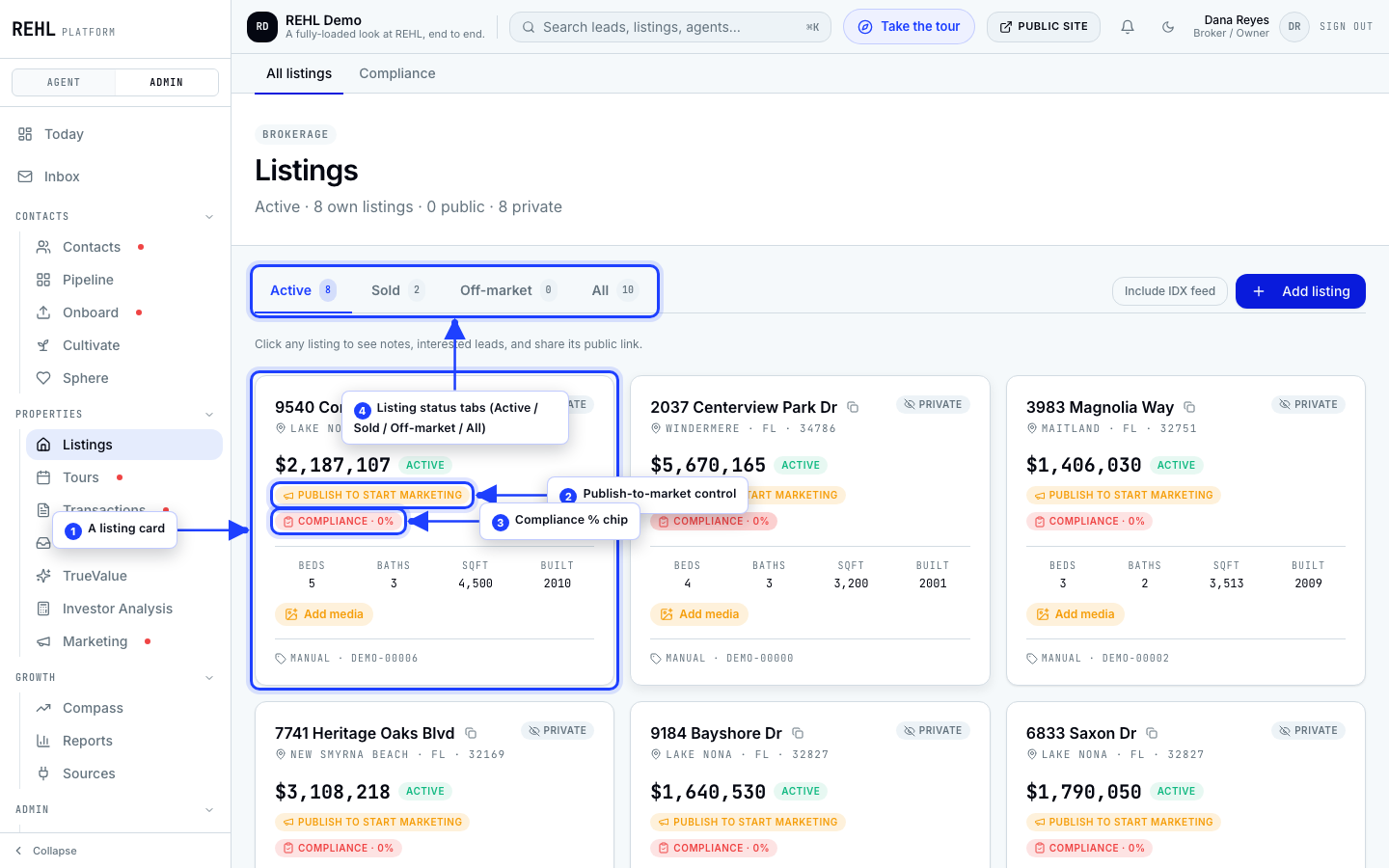
Once your RESO feed is connected, your active listings appear in the Listings hub, normalized and de-duplicated, with status changes tracked over time.
No feed yet? Listings will not display until your MLS approves your RESO Web API access. See Connect your MLS feed.
Was this helpful?
Need more help? Contact support.