API keys
The Developer page issues keys for programmatic access to your brokerage's data. Keys authenticate real requests and are scoped to your brokerage.
Who gets it
API access is included on Power, Scale, and Enterprise. On other plans, the Developer page shows an upgrade panel.
Creating a key
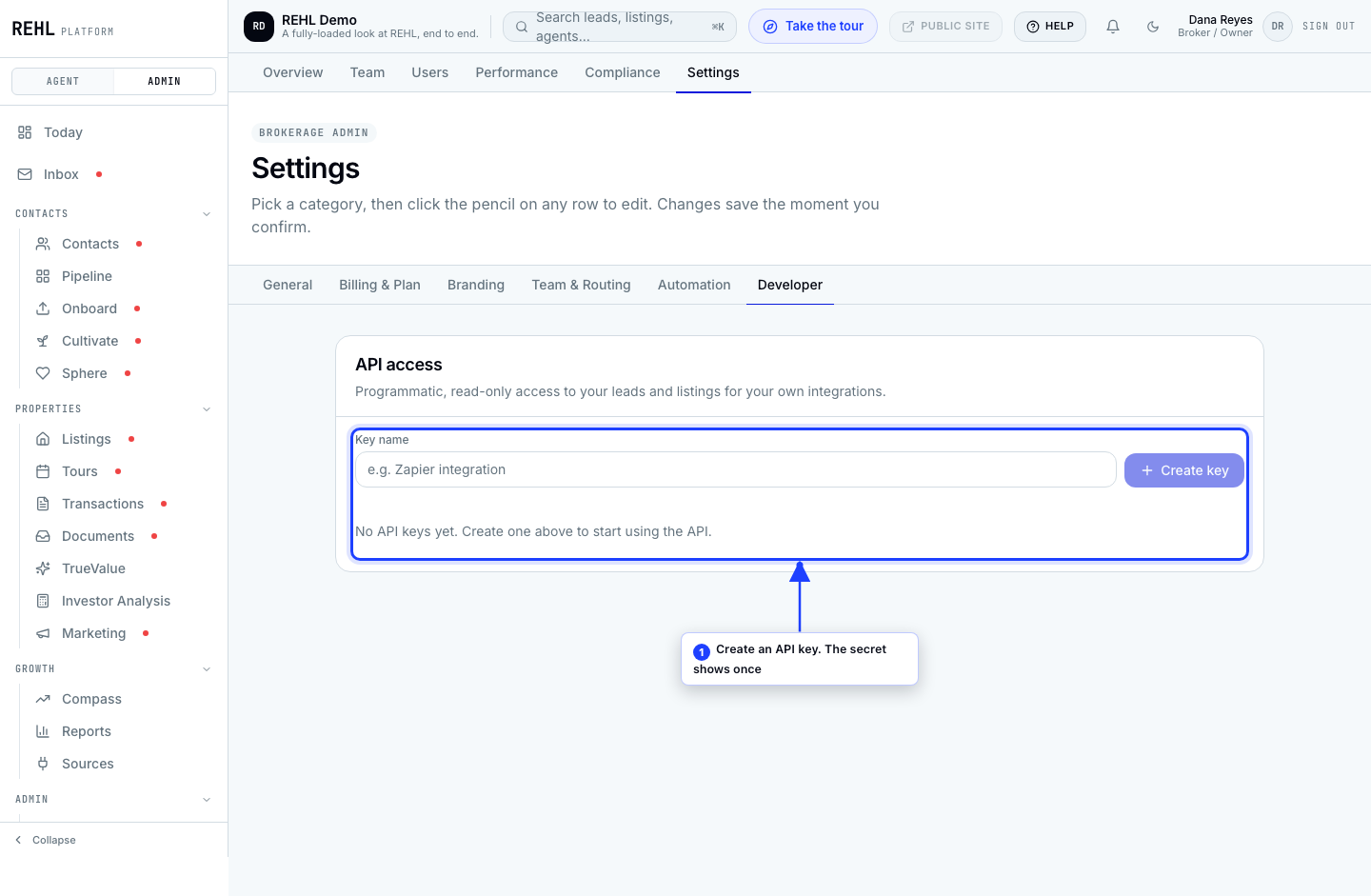
- Open brokerage settings and go to Developer.
- Create a key and give it a name you will recognize later.
- Copy the secret immediately. It is shown once and never again. If you lose it, revoke the key and create another.
- Store it somewhere safe. Anyone holding it can act as your brokerage.
Revoking and removing
Revoke is the action that stops a key working. Do that first if a key is compromised; it takes effect on the next request.
Remove only takes a revoked key off this list. REHL keeps a record of the key so the same secret can never be reissued or start working again, which is why you have to revoke a key before you can remove it. Revoking is what cuts off access; removing is housekeeping.
Was this helpful?
Need more help? Contact support.